mirror of
https://github.com/fastapi-admin/fastapi-admin.git
synced 2026-03-13 10:32:25 +08:00
 18e2a7cf6a
The navigation bar 'navbar-toggler' button has been shifted in the layout.html file. Previously, it was located inside the 'navbar navbar-expand-md navbar-light' div, but now it resides just above the 'collapse navbar-collapse' div. This modification enhances the positioning and visibility of the button, potentially improving the user interface.
FastAPI Admin




Introduction
fastapi-admin is a fast admin dashboard based on FastAPI
and TortoiseORM with tabler ui,
inspired by Django admin.
Installation
> pip install fastapi-admin
Requirements
Online Demo
You can check a online demo here.
- username:
admin - password:
123456
Or pro version online demo here.
- username:
admin - password:
123456
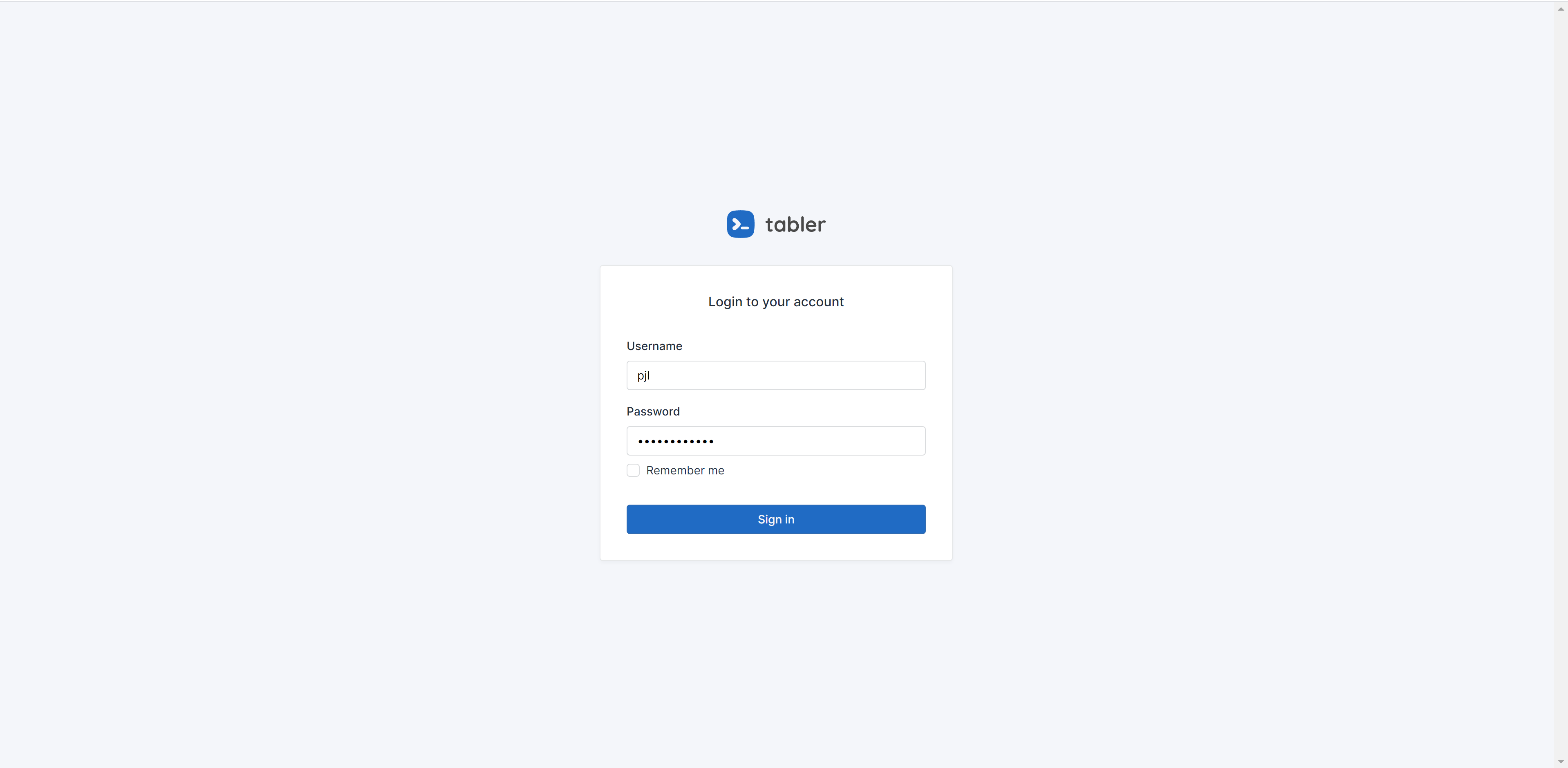
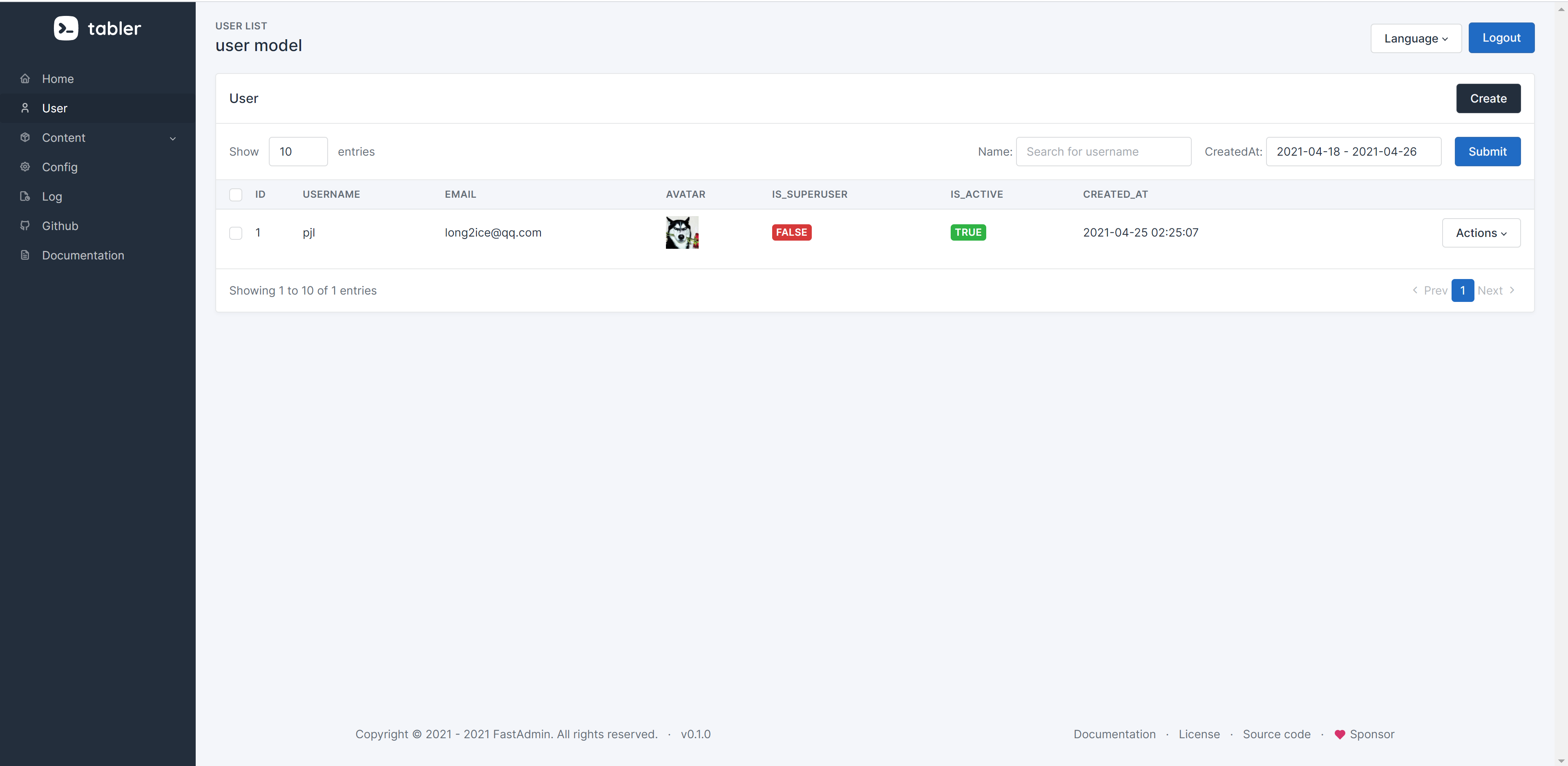
Screenshots
Run examples in local
-
Clone repo.
-
Create
.envfile.DATABASE_URL=mysql://root:123456@127.0.0.1:3306/fastapi-admin REDIS_URL=redis://localhost:6379/0 -
Run
docker-compose up -d --build. -
Visit http://localhost:8000/admin/init to create first admin.
Documentation
See documentation at https://fastapi-admin-docs.long2ice.io.
License
This project is licensed under the Apache-2.0 License.